Wondering what happens between an app idea and a live release? The mobile app development process runs through six stages: planning, design, development, testing, deployment and maintenance. Knowing them helps you ask better questions and spot gaps early.
This page is part of the wider topic of mobile app development, which looks at platforms, tools and planning more broadly.
| Item | Value |
|---|---|
| Main lifecycle stages | 6 (planning, design, development, testing, deployment, maintenance) |
| Apple submissions reviewed in 2025 | 9.1 million |
| Apple submissions rejected in 2025 | Over 2 million |
| Apple review speed (as of October 2026) | 90% of submissions in under 48 hours |
| Apple developer fee | $99 per year |
| Google Play developer fee | $25 one-time |
The figures come from the Netguru lifecycle guide and Fora Soft’s store approval guide. They can change, so check the source before you rely on them.
What are the stages of the mobile app development process?
Most guides describe the lifecycle as six stages. The Netguru lifecycle guide names them as planning, design, development, testing, deployment and maintenance, and Okoone describes the same six phases.
- Planning: define the purpose, audience, scope, budget and timeline.
- Design: sketch wireframes, shape the interface and test a prototype.
- Development: build the front end, the back end and the connections between them.
- Testing: check function, usability, performance and security.
- Deployment: submit to the app stores and launch.
- Maintenance: fix, update and improve after release.
Other sources slice the work more finely. Orient Software counts nine steps by listing wireframes, technical feasibility and prototyping separately. The work is the same; only the labels change.
Planning and research before any code
Every project starts with an idea, and market research tests it. Teams study similar apps to see what works and what could be better, and they build user profiles around age, interests and tech skills, according to Netguru. The same research also covers pricing, including whether the app will be free, paid or use in-app purchases.
Orient Software suggests answering a set of questions in detail, then refining the answers as the project moves on:
- What pain point does the app address, and is there market demand?
- Who is the target audience, and which platform comes first?
- Who are the competitors, and how will your features differ?
- What are the estimated timeline and budget?
Budget deserves early attention, and the guide to mobile app development cost looks at how those numbers take shape.
Okoone says teams then write a project charter, a document that outlines objectives, success metrics and timelines. It also states what is out of scope, which helps prevent scope creep. Risk assessment belongs here too, because technical limits and resource constraints are cheaper to plan for than to discover late.
A technical feasibility check follows. Orient Software lists platform choice, backend architecture, APIs and third-party integrations, and non-functional needs such as performance, security and scalability. Some early feature ideas may not survive it, and that is a useful result.
Design, wireframes and prototypes
Design starts with wireframes. Orient Software describes them as a low-fidelity, basic layout that prioritizes functionality, such as button placement and navigation flow, over visual design. Stakeholders can judge the structure without being distracted by colors and fonts.
UI covers what people see and touch on screen, while UX covers how the app feels to use. Okoone notes that UI focuses on visuals such as layouts, buttons and typography, and UX dictates how users move through the app.
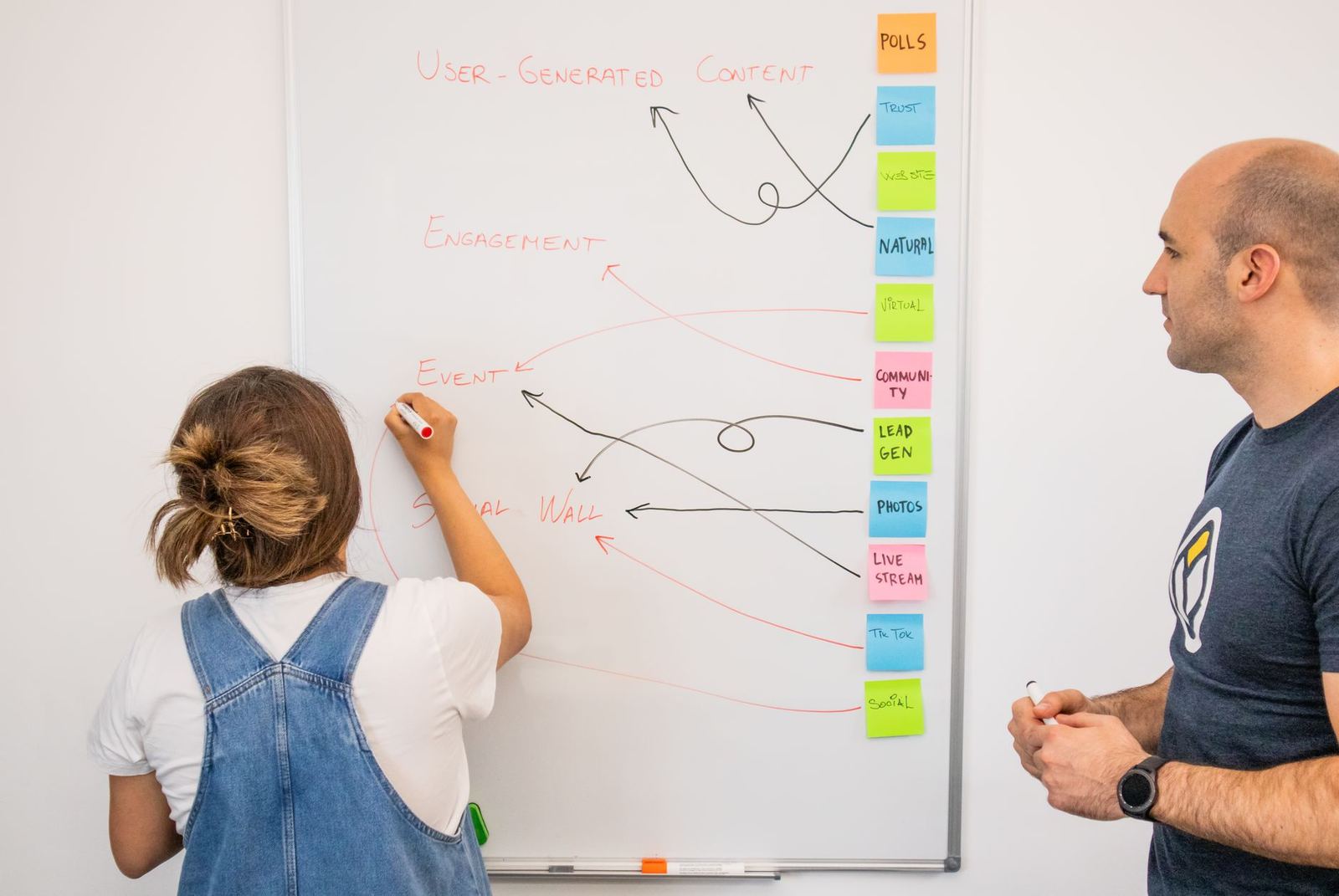
A prototype comes next. Orient Software says prototypes are interactive models that mirror the final look and feel, so the team can catch design flaws early without costly reworks.
For the visual rules behind this stage, see the guide to mobile app ui design principles.
Development and testing
Okoone divides development into three components, and it helps to know who handles what:
- Front end: everything users see and interact with. Typical choices are Swift for iOS, Kotlin for Android, or cross-platform tools such as Flutter.
- Back end: the database, APIs and authentication. Orient Software names Node.js, Python or Go as typical technology.
- Integration: the connection that lets data flow between the two.
Most modern teams work in sprints, according to Orient Software. A large project is broken into smaller cycles, and the client sees each piece and gives feedback before the next cycle begins.
Testing then asks whether the app is ready for real people. Okoone names three critical types:
- Usability testing: can real users move through the app and reach key features?
- Performance testing: load speed, responsiveness and battery use.
- Quality assurance: stability across devices, operating systems and network conditions, including compliance with store guidelines.
Security checks sit alongside these. Okoone points to encryption, authentication protocols and vulnerability assessments as ways to protect user data.
Launch, store review and maintenance
Store submission is where many projects stall. In 2025 Apple reviewed 9.1 million submissions and rejected over 2 million, according to Fora Soft’s store approval guide. The guide says crashes and privacy cause most rejections, and that both are avoidable.
Review speed differs by store. As of Fora Soft’s October 2026 update, Apple says it reviews at least 50% of submissions in under 24 hours and 90% in under 48 hours. For Google Play, the same guide says certain developer accounts can wait up to seven days or longer in exceptional cases.
Plan for the extra requirements too. As of that October 2026 update, the guide lists these:
- Apple’s developer fee is $99 per year, and Google Play’s is $25 one-time.
- Google Play requires new apps and updates to target API 36 (Android 16) since August 31, 2026.
- New personal Google Play accounts need a closed test with 12 testers for 14 days.
The guide recommends budgeting two submission cycles, along with a demo account, a privacy manifest and a matching privacy policy URL. That is a sensible habit even if you expect a clean first pass.
Launch is not the end. Okoone says maintenance sustains performance, which in practice means fixing bugs, updating for new operating system versions and improving features based on what users do.
Frequently asked questions
How many stages are in the mobile app development process?
Show answer
Most guides use six: planning, design, development, testing, deployment and maintenance, as the Netguru lifecycle guide sets out. Orient Software counts nine by splitting the early and design work into smaller steps.
Which stage takes the longest?
Show answer
Development often does. Orient Software says it is the stage that often takes the most time in the whole cycle.
How long does app store review take?
Show answer
As of Fora Soft’s October 2026 update, Apple says it reviews 90% of submissions in under 48 hours. Google Play can take up to seven days or longer for certain accounts, according to the same guide.
Why build a prototype before writing code?
Show answer
A prototype lets the team see how users will interact with the app before development begins. Orient Software says this helps catch design flaws early without costly reworks.